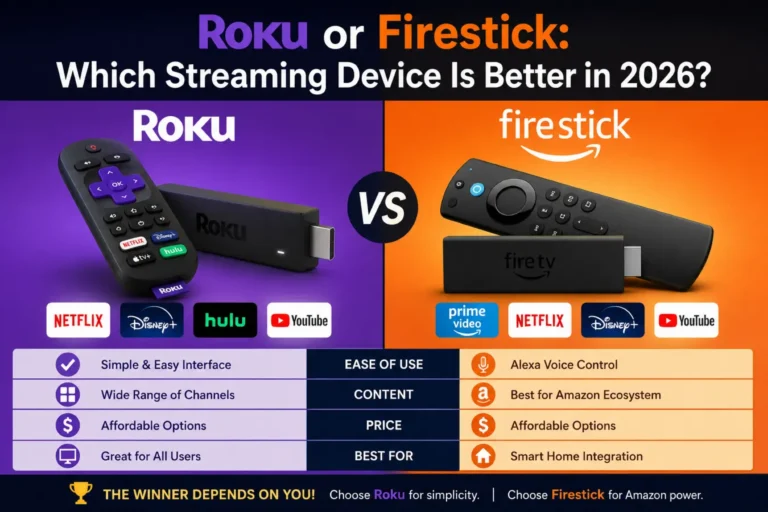
Roku or Firestick is one of the most common questions among people buying a streaming device. Both options help you watch movies, shows, and live TV.
However, they offer different features and user experiences.
Some users prefer Roku because of its simple design. Others choose Firestick because it works well with Amazon services.
This guide explains the differences in simple words. You will learn about features, pricing, ease of use, and real-life examples.
By the end, you will know which streaming device fits your needs best.
Quick Summary Box
- Roku and Firestick are popular streaming devices.
- Both support Netflix, YouTube, Disney+, and Prime Video.
- Roku offers a simple interface.
- Firestick works best for Amazon users.
- Roku has fewer ads on the home screen.
- Firestick supports Alexa voice commands.
- Both devices come in different price ranges.
- The best choice depends on your viewing habits.
What Is Roku?
Roku is a streaming platform that lets users watch content through apps.
Popular Roku channels include:
- Netflix
- Hulu
- Disney+
- YouTube
- Prime Video
- Max
Roku devices connect directly to your TV using HDMI.
What Is Firestick?
Amazon Firestick is a streaming device developed by Amazon.
It provides access to:
- Prime Video
- Netflix
- YouTube
- Disney+
- Peacock
- Hulu
Firestick also supports Alexa voice control.
Roku or Firestick: Key Differences
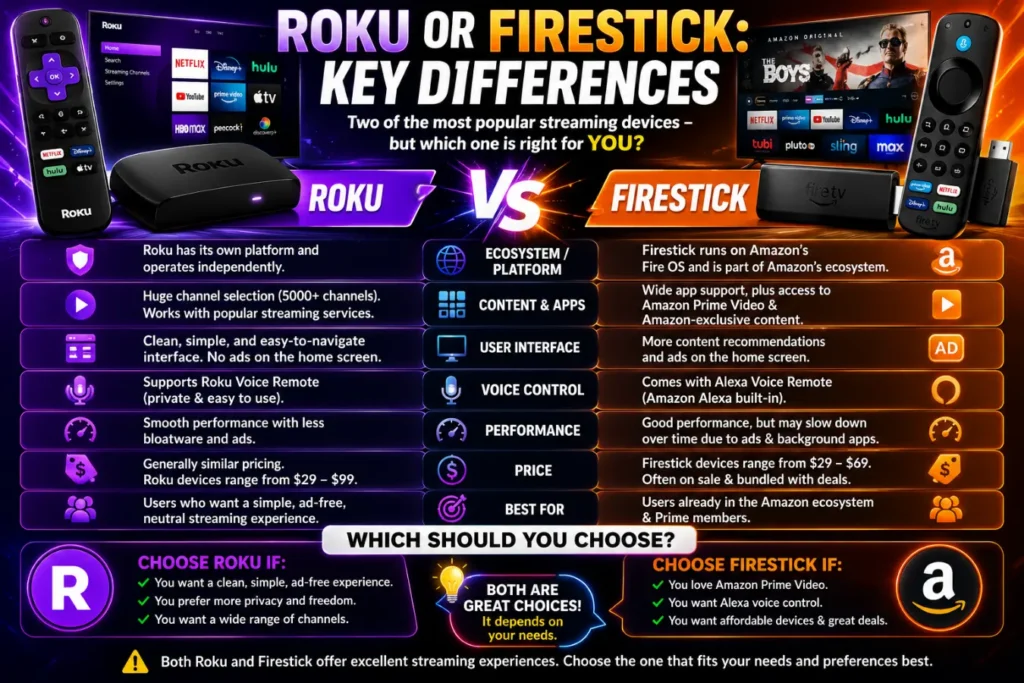
Both devices perform similar tasks. However, their ecosystems differ.
Roku focuses on simplicity.
Firestick focuses on Amazon integration.
Roku vs Firestick Comparison Table
| Feature | Roku | Firestick |
|---|---|---|
| User Interface | Simple | Feature-rich |
| Voice Assistant | Roku Voice | Alexa |
| Amazon Integration | Limited | Excellent |
| App Availability | Excellent | Excellent |
| Ads on Home Screen | Fewer | More |
| Smart Home Support | Basic | Advanced |
| Price Range | Affordable | Affordable |
| Best For | Beginners | Amazon Users |
Which Device Is Easier to Use?
Roku offers a clean menu.
New users usually learn Roku quickly.
Firestick includes more recommendations and menus.
Some users enjoy these features. Others prefer Roku’s simplicity.
Winner: Roku
Which Device Has Better Apps?
Both platforms support major streaming services.
Examples include:
- Netflix
- Disney+
- Hulu
- YouTube
- Max
- Prime Video
Most users will not notice major differences.
Winner: Tie
Roku or Firestick for Amazon Prime Members
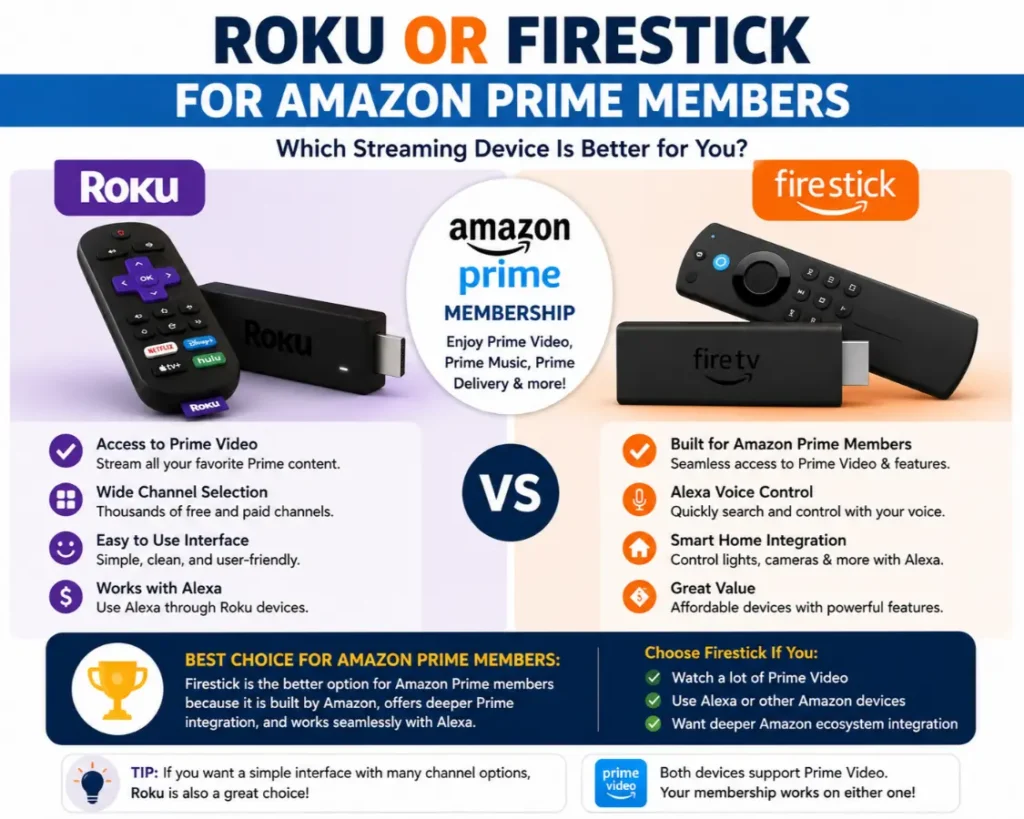
Firestick works closely with Amazon services.
Benefits include:
- Alexa voice control
- Prime Video integration
- Amazon Music support
- Smart home controls
If you already use Amazon products, Firestick may feel more natural.
Winner: Firestick
Roku or Firestick for Beginners
Many first-time users prefer Roku.
Reasons include:
- Easy setup
- Simple navigation
- Less clutter
- Minimal learning curve
Older adults often find Roku easier to understand.
Winner: Roku
Real-Life Examples
Example 1: Family Home
A family wants simple streaming.
Roku helps everyone find apps quickly.
Example 2: Amazon Smart Home User
A user owns Echo speakers and Ring cameras.
Firestick integrates better with these devices.
Example 3: Senior Citizens
Older users often enjoy Roku because of its clean interface.
Pricing Comparison
Both brands offer budget and premium models.
Roku Models
- Roku Express
- Roku Streaming Stick
- Roku Ultra
Firestick Models
- Fire TV Stick Lite
- Fire TV Stick HD
- Fire TV Stick 4K
- Fire TV Cube
Prices often range from $20 to $100.
Common Mistakes Buyers Make
Buying Based Only on Price
Cheap models may lack advanced features.
Ignoring Ecosystems
Amazon users often benefit from Firestick.
Overlooking Ease of Use
Simple menus matter for many households.
Forgetting Voice Features
Alexa may be important for smart homes.
Tips Before Choosing
Choose Roku If:
- You want simplicity.
- You dislike home screen ads.
- You are a beginner.
Choose Firestick If:
- You use Amazon services.
- You own Alexa devices.
- You want smart home control.
Usage in Daily Life
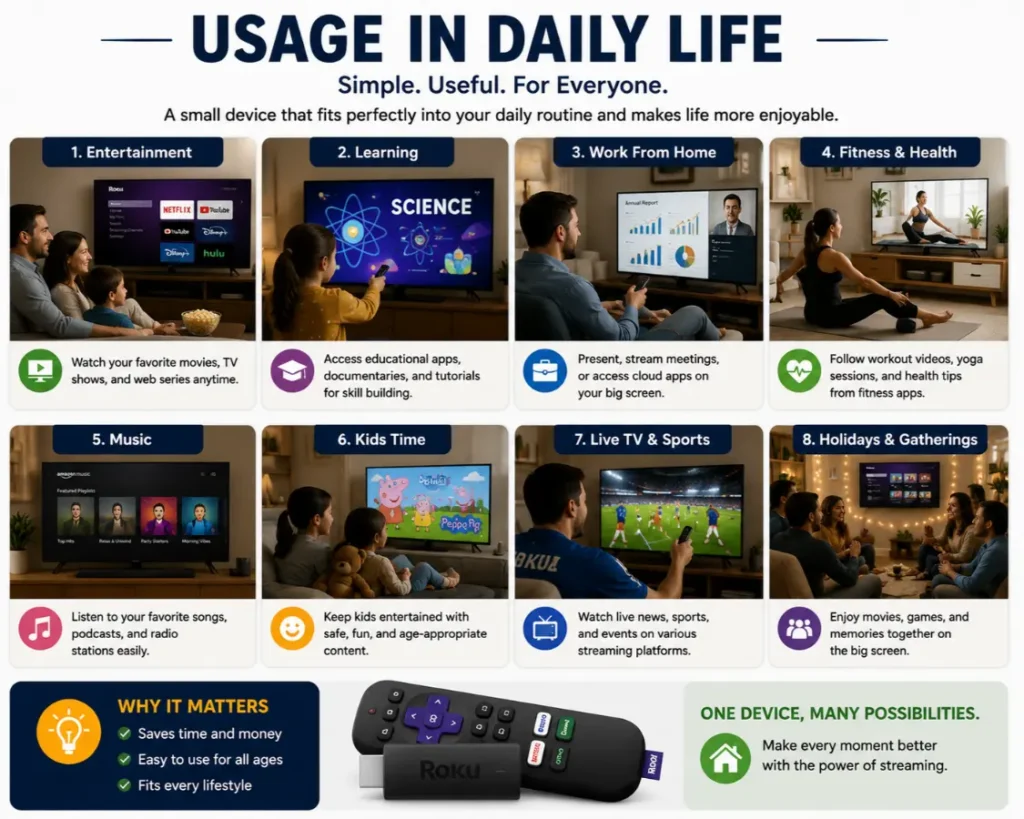
People use these devices for:
- Watching Netflix
- Streaming sports
- Family movie nights
- Kids’ entertainment
- Listening to music
- Watching YouTube videos
Both devices improve traditional TV experiences.
Synonyms and LSI Keywords
Related Search Terms
- Roku vs Firestick
- Firestick or Roku
- Best streaming device
- Roku comparison
- Amazon Fire TV Stick review
- Roku review
- Streaming stick comparison
Long-Tail Keywords
- Roku or Firestick for seniors
- Roku vs Firestick for Netflix
- Which is better Roku or Firestick
- Firestick vs Roku for Prime Video
Expert Insight
Streaming devices continue to evolve.
Most experts recommend choosing based on your ecosystem rather than raw specifications.
Roku works best for simplicity.
Firestick works best for Amazon users.
Selecting the right platform improves your long-term experience.
Frequently Asked Questions
Which is better, Roku or Firestick?
It depends on your needs. Roku favors simplicity. Firestick favors Amazon users.
Is Roku easier to use?
Yes. Many users find Roku easier.
Does Firestick support Netflix?
Yes. Firestick supports Netflix and many other apps.
Which device has fewer ads?
Roku usually shows fewer home screen ads.
Can Roku use Alexa?
Some Roku devices support Alexa, but Firestick offers deeper integration.
Which device is better for seniors?
Many seniors prefer Roku because of its simple layout.
Is Firestick faster than Roku?
Premium models from both brands perform very well.
Conclusion
The Roku or Firestick debate does not have one perfect answer.
Both devices deliver excellent streaming experiences.
Roku stands out for simplicity and ease of use. Firestick shines for Amazon users and smart home integration.
Your choice should match your habits and preferences.
If you want a clean experience, choose Roku.
If you love Amazon products, choose Firestick.
The best streaming device is the one that fits your daily life.